> For the complete documentation index, see [llms.txt](https://learn.islash.io/llms.txt). Markdown versions of documentation pages are available by appending `.md` to page URLs; this page is available as [Markdown](https://learn.islash.io/features/ai-agents/ai-assistant.md).
# AI Assistant
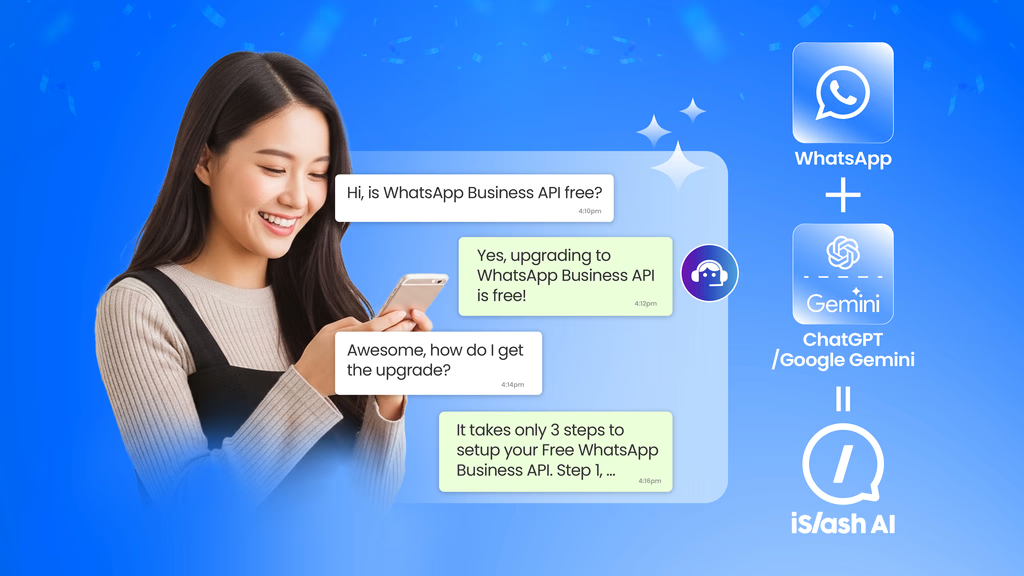
Powered by OpenAI ChatGPT and Google Gemini
Think of AI Assistant as the **intelligent extension of your rule-based automations**:
* Rule-based automations ensure **predictable, deterministic workflow execution**.
* AI Assistant adds **flexibility, context understanding, and natural language responses** where rules alone fall short.
* Together, they deliver consistent automation while enhancing the quality of each customer interaction.
## How It Works Within Rule-Based Automations
{% stepper %}
{% step %}
#### The rule-based automation triggers the AI Assistant node based on predefined conditions.
Predefined conditions such as: keywords, user actions, or workflow steps.
{% endstep %}
{% step %}
#### The Chat enters AI Assistant node.
The user will now be attended by the AI Assistant that you have setup.
{% endstep %}
{% step %}
#### The AI Assistant accesses the knowledge base and processes the conversation context.
For each message received.
{% endstep %}
{% step %}
#### It generates a natural, brand-aligned response.
Your AI Assistant will continue to attend to this business chat.
{% endstep %}
{% step %}
#### The automation flow continues as designed
Ensuring **workflow predictability** while improving conversational quality.
{% hint style="info" %}
Utilize the **Jump Conditions** within AI Agents design the continuous automation flow.
{% endhint %}
{% endstep %}
{% endstepper %}
## Ideal Use Cases
* **Customer Support:** Answer FAQs, provide step-by-step guidance, and respond contextually to varied user questions.
* **Sales Assistance:** Suggest products or services in a human-like, brand-aligned manner.
* **Knowledge Sharing:** Present structured information clearly, reflecting the expertise of your best team members.
### AI Assistant as Your Brand Ambassador
By combining **knowledge-base training** with the AI Assistant’s natural language capabilities, every interaction becomes an opportunity to **represent your brand professionally and consistently**:
* Provides the tone, style, and knowledge you want every customer to experience.
* Delivers human-like engagement at scale.
* Frees your team to focus on high-value, strategic tasks while the AI handles the repetitive yet critical messaging.
> **AI Assistant is the intelligent voice within your automations. It is complementing rules, reflecting your team’s expertise, and acting as a consistent, scalable brand ambassador.**
## Build Your Intelligent Response Engine
The AI Assistant draws its responses from a **curated knowledge base**, which can be customized to reflect your brand voice and operational expertise:
1. **Insert specific instructions:** Clearly define how the AI should respond to common questions, handle objections, or guide users through processes.
2. **Leverage expert knowledge:** Use transcriptions from your top customer service representatives or business consultants to train the knowledge base.
3. **Refine continuously:** Update the knowledge base as your products, services, or policies evolve.
By training the knowledge base in this way, the AI Assistant effectively **embodies your team’s expertise**, ensuring that even automated replies **feel human, consistent, and aligned with your brand**.
User Guide - Knowledge Base Training & Sharing
{% embed url="" %}
### Designed for SMEs : Simple, No-Code, and Fast to Deploy
iSlash AI eliminates the need for complex AI setup. Businesses can launch an AI Assistant in minutes.
Transform customer engagement, reduce manual workload, and build deeper relationships with every message.
User Guide - Deploy AI Assistant in AI Agents Flow
{% embed url="" %}
## AI Token Usage - Plan and Optimize
Using AI Assistant consumes **AI tokens**, which are charged based on the text processed by the system. Tokens are used in three key areas:
1. **Training the knowledge base** \
Adding or updating entries for the assistant.
2. **Processing customer queries**\
Understanding and analysing incoming messages.
3. **Generating AI answers** \
Producing the response in the chosen language and AI model.
#### **Tips for managing token usage efficiently:**
* Monitor token reports in your iSlash AI dashboard.
* Use the Token Counter Tool to estimate costs before deploying prompts or responses.
* Optimize knowledge base entries and system prompts to reduce unnecessary token consumption.
* Plan your AI credit top-ups to ensure uninterrupted operation.
This allows businesses to **balance intelligent responses with cost management**, making AI Assistant scalable and sustainable.
AI Token Usage Estimation
{% embed url="" %}
## The Next Step in Conversation Automation
As conversation needs continue to evolve, some scenarios begin to require more than well-crafted responses.
When customer journeys involve multiple steps, handoffs, or follow-up actions, businesses often look for automation that can do a little more than reply, gently paving the way toward the next stage of intelligent workflows.