# In-App Calendar

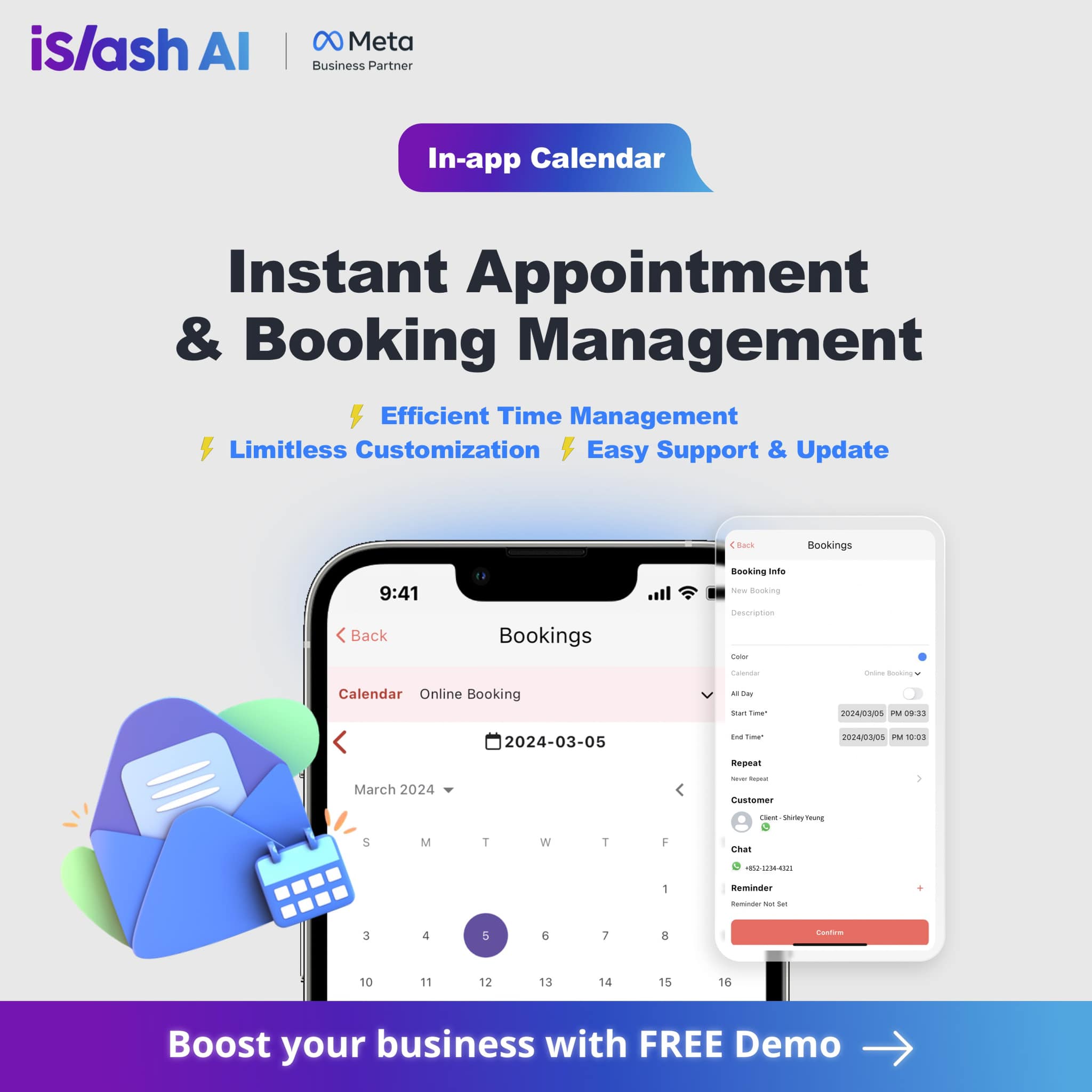
The In-App Calendar is a **conversion and engagement tool** built directly into the iSlash AI Platform.

<figure><img src="/files/c2kFHq69HoqmR0ZCuxKG" alt=""><figcaption></figcaption></figure>

Instead of relying on external booking systems, users can:

* Create calendars **within the platform**
* Share a **public booking link via WhatsApp**
* Convert customer enquiries into confirmed appointments, without switching apps or tools

Because the calendar lives inside the iSlash AI ecosystem, it works seamlessly with messaging, automation, and payments, hence creating a single, uninterrupted customer journey.

### From Chat to Booking, Without Losing Momentum

WhatsApp is often where intent is highest.\
The In-App Calendar is designed to act **at that exact moment**.

**How it works:**

{% stepper %}
{% step %}
A customer enquires via WhatsApp
{% endstep %}

{% step %}
You send a booking link instantly
{% endstep %}

{% step %}
The customer selects a time slot
{% endstep %}

{% step %}
Booking confirmation is sent automatically
{% endstep %}

{% step %}
Reminder messages follow.
{% endstep %}
{% endstepper %}

{% hint style="success" %}
No manual work.\
No back-and-forth.\
No missed follow-ups.\
No drop-off between tools.
{% endhint %}

### Product-Driven Booking: From Appointment to Payment

The In-App Calendar goes beyond scheduling.

With **product-driven booking**, businesses can:

* Attach a **product or service** to a calendar
* Allow customers to **select a product during booking**
* Enable **payment as part of the booking flow**

This transforms bookings into **revenue events**, not just reservations, shortening the path from interest to purchase.

<p align="center"><em>Learn the setup here:</em></p>

{% embed url="<https://islash.io/user-guide/product-driven-booking>" %}

### Automated WhatsApp Reminders That Reduce No-Shows

Missed appointments cost time, revenue, and trust.

The In-App Calendar includes **automated appointment reminders**, sent via WhatsApp API:

* Set reminders **hours or days before** the appointment
* Reduce no-shows without manual chasing
* Maintain a professional, consistent customer experience

Everything runs automatically, once configured.

<p align="center"><em>Learn the setup here:</em></p>

{% embed url="<https://islash.io/user-guide/booking-reminder>" %}

### Why SMEs Are Moving Away from External Booking Tools

Many SMEs start with standalone booking systems. Over time, the cracks appear:

* Booking tools disconnected from conversations
* Payments handled elsewhere
* Manual confirmations and reminders
* Admin time spent stitching systems together

The iSlash AI In-App Calendar replaces this fragmented setup with a **centralized, messaging-first approach**.

#### The Result:

* Faster conversions from chat → booking → payment
* Lower operational overhead
* A smoother, more professional customer experience

{% hint style="success" %}
And because iSlash AI's In-App Calendar is **included in all paid plans**, it becomes a natural upgrade, not an added cost.
{% endhint %}

### Built for Real Businesses, Across Industries

The In-App Calendar is already suited for:

* **Beauty** — treatments, consultations, packages
* **Education** — classes, tutoring, trial sessions
* **Fitness** — personal training, group sessions
* **Professional Services** — sales calls, onboarding, support

From sales bookings to consultations and support, the system scales with your operations.

### One Platform. One Flow. Better Results.

When booking, messaging, reminders, and payments live in separate tools, conversion slows down.

The iSlash AI In-App Calendar brings them together, so businesses can:

* Respond faster
* Book smarter
* Operate with less friction

All inside the same platform your team already uses to talk to customers.

#### Ready to See It in Action?

Experience how bookings work when they’re designed around conversations, not tools.

<p align="center"><strong>👉 Book a demo and explore the iSlash AI In-App Calendar today.</strong></p>


---

# Agent Instructions: Querying This Documentation

If you need additional information that is not directly available in this page, you can query the documentation dynamically by asking a question.

Perform an HTTP GET request on the current page URL with the `ask` query parameter:

```
GET https://learn.islash.io/features/conversion-engagement-tools/in-app-calendar.md?ask=<question>
```

The question should be specific, self-contained, and written in natural language.
The response will contain a direct answer to the question and relevant excerpts and sources from the documentation.

Use this mechanism when the answer is not explicitly present in the current page, you need clarification or additional context, or you want to retrieve related documentation sections.